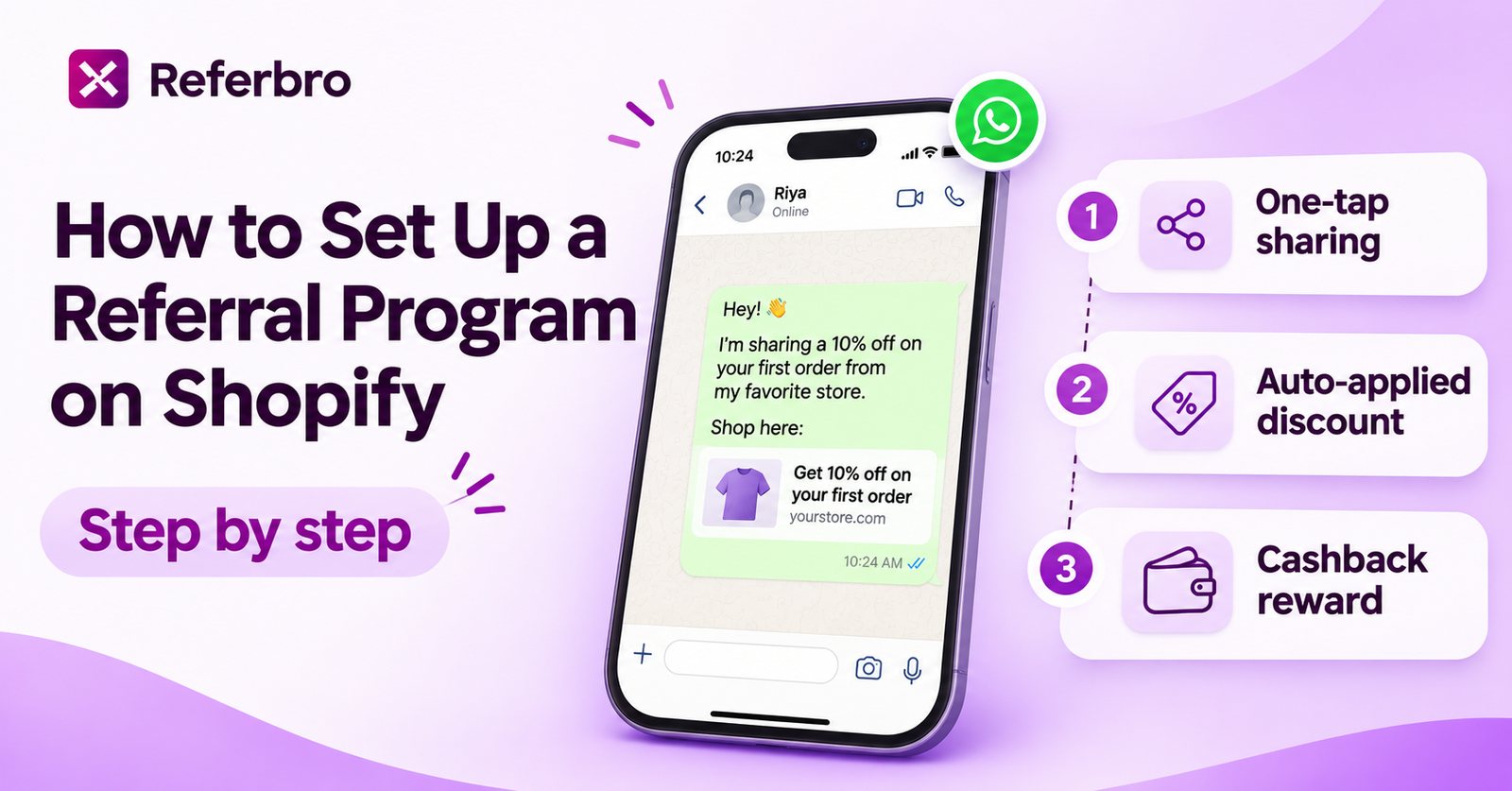
Shopify doesn't have a built-in referral program, but you can set one up in under an hour with a referral app. The steps below work for any Shopify referral app; where it helps, we show how it works in Referbro.
Watch: setting up Referbro on Shopify
Prefer to read? The same steps are written out below.
Step 1: Decide your rewards
Settle these before you install anything:
- Friend reward: usually a discount on their first order, either a flat amount (₹150 off) or a percentage.
- Referrer reward: cashback (by UPI or bank), store credit, a discount on their next order, or a free gift. Cashback feels most like real money; store credit brings customers back to your store.
- Minimum order value: set one so rewards are only paid on orders that cover their cost.
- When rewards are paid: after the return window closes, so you don't reward orders that come back.
Not sure what to offer? See how much to pay customers for referrals and cashback vs store credit.
Step 2: Install a referral app
- Open the Shopify App Store and choose a referral app. Check it supports the channels your customers use to share (WhatsApp, email, SMS) and the rewards you want to give. Our comparison of Shopify referral apps covers the main options.
- Click Install and approve the permissions. A referral app needs access to orders and customers to track referrals and issue rewards.
- Prefer apps built on Shopify's theme app embeds and checkout blocks. They don't edit your theme code, so they're removed cleanly if you uninstall.
Step 3: Add the referral widget where customers share
Customers are most likely to share right after they buy, so start with the post-purchase pages:
- Go to Settings › Checkout and click Customize.
- Switch to the Thank you page and add your referral app's block. Do the same on the Order status page.
- Turn on the app's app embed in Online Store › Themes › Customize › App embeds so the referral button or landing page can show on your storefront.
- Add the referral link to your order confirmation and shipping emails, so customers see it again when the parcel arrives.
Referbro adds referral widgets at six touchpoints, including the Thank you page, home page and order emails. See how to turn your thank-you page into a referral channel.
Step 4: Set up WhatsApp sharing
In many markets, including India, Brazil, Indonesia and much of Europe, referrals happen on WhatsApp. Make sharing there one tap:
- Write a short share message in your brand's voice that includes the friend's offer, for example: "I order from [Brand] and you get ₹150 off your first order with my link: [link]".
- Make sure the link opens your store with the friend's discount already applied, so they don't have to copy a code.
- Keep email and copy-link as backups for customers who prefer them.
Step 5: Turn on fraud controls
Before you launch, block the common ways referral rewards get abused:
- Block self-referrals (a customer referring their own second account).
- Block duplicate referrals from the same person, address or phone number.
- Hold rewards until the order is delivered and past its return window.
See how to prevent self-referrals on Shopify for details.
Step 6: Test one referral end to end
Place a test referral before customers see anything:
- Place an order as a customer and check the referral widget appears on the Thank you page.
- Share the link to WhatsApp and open it on another phone.
- Check the friend's discount is applied at checkout.
- Complete the friend's order and check the referrer's reward is recorded.
Step 7: Launch to your best customers first
Invite your most recent happy customers first, on WhatsApp and email, before you promote the program on your site. They're the most likely to share, and you'll catch any issues with a small group.
Step 8: Measure and adjust
Track these every week for the first 90 days:
- Share rate: how many customers share their link.
- Referred orders: how many orders come from referral links, and their share of total orders.
- Cost per referred customer: rewards paid divided by referred customers.
If few customers share, make the widget more visible or the reward clearer. If many share but few friends buy, increase the friend's discount.
Set it up with Referbro
Referbro is a WhatsApp-first referral app for Shopify: one-tap WhatsApp sharing, friend discounts applied automatically at checkout, cashback (including UPI), and blocking of self-referrals and duplicates. It has a free plan, and paid plans are a flat monthly price by order volume with no fee on referral sales. You can add an affiliate program from the same dashboard when you're ready.
For the technical side, including webhooks and automating UPI payouts, see our Shopify referral integration guide.