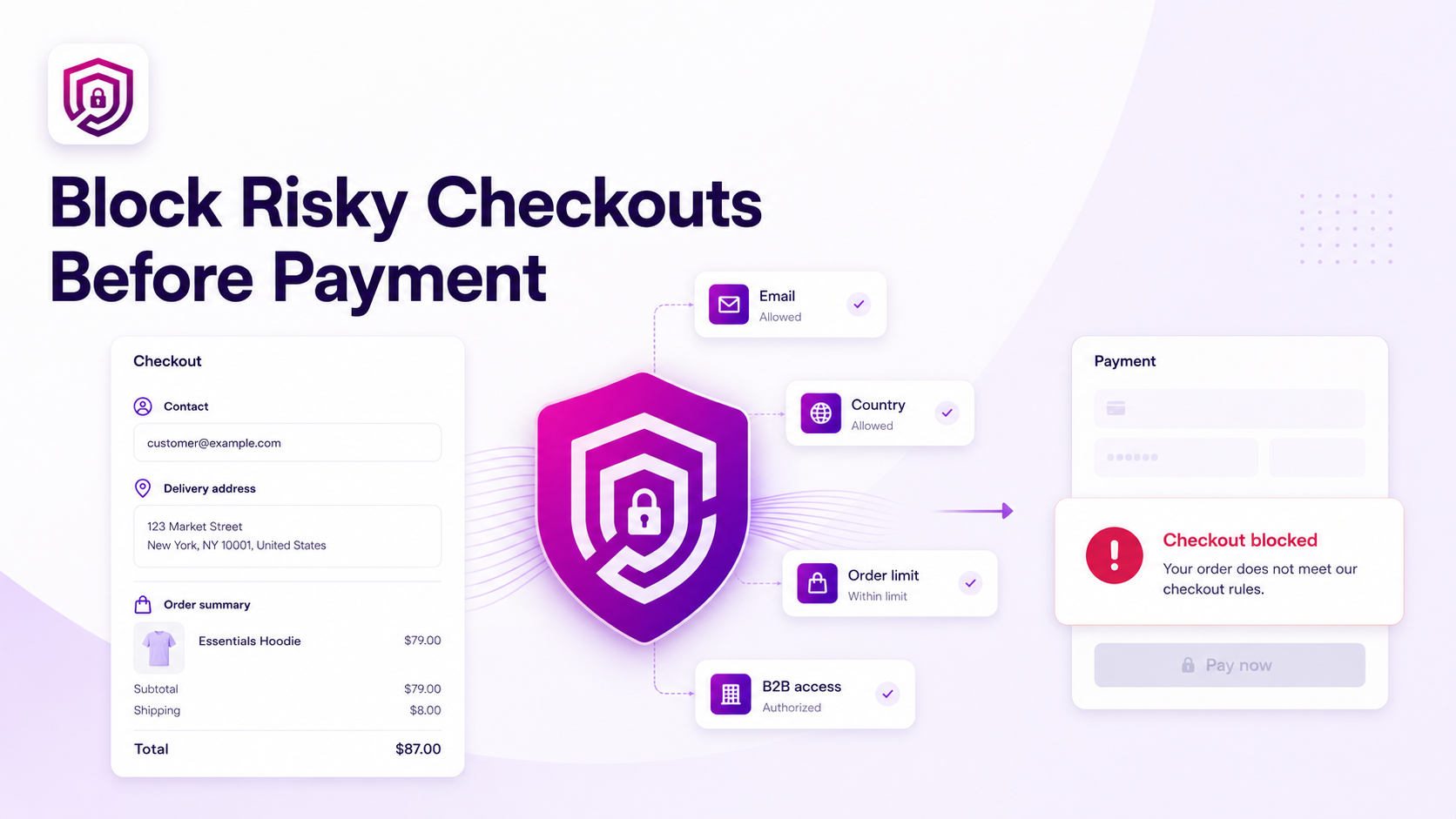
Cancelling an unwanted order after payment creates unnecessary work.
The merchant must review the order, contact the buyer, cancel the transaction, initiate a refund and reconcile the payment. The customer also receives a poor checkout experience.
A better approach is to validate the order before payment.
The Problem with Reviewing Orders After Checkout
Many merchants only discover a problem once the order is already in the system. By that point, the payment has been processed and the fulfilment workflow has begun.
Common issues that surface too late include:
- Invalid delivery locations — the courier cannot serve the address or the region
- Disposable or blocked email addresses — the buyer cannot be contacted after the sale
- Unapproved wholesale customers — retail buyers reaching B2B pricing or products
- Orders outside permitted values — carts that are too small to fulfil economically, or too large to process without manual approval
- Unsupported addresses — PO Boxes, parcel lockers and other address types the fulfilment network cannot serve
- Excessive quantities — cart or product quantities above what the store can supply per order
Each of these scenarios generates support work, ties up operations and creates a worse experience for the buyer.
What Is Shopify Checkout Validation?
Checkout validation evaluates the buyer's cart, customer information and delivery details before allowing checkout to proceed.
When a configured rule fails:
- Checkout is stopped
- The buyer sees a clear, merchant-defined message explaining the issue
- The buyer can correct the problem and attempt checkout again
- Payment is not completed until the rule is satisfied
This approach keeps the problem at the checkout stage, rather than discovering it during fulfilment or after a refund request.
Five Checkout Risks Merchants Can Prevent
1. Block Unwanted Emails
Some merchants need to prevent orders from specific email addresses or entire email domains. This is useful for blocking known problematic buyers, competitors or email addresses associated with previous chargebacks.
OrderGate allows merchants to enter individual addresses or complete domains. Any buyer whose email matches is shown a rejection message and cannot complete checkout.
2. Restrict Delivery Countries
Merchants who cannot fulfil to certain countries — whether due to logistics, regulation or business policy — can stop those orders before payment. Rather than processing the order and then cancelling it, the buyer is informed at checkout that delivery to their country is not available.
This is cleaner for the merchant and clearer for the buyer.
3. Require B2B Approval
Wholesale stores often show products or pricing that should only be accessible to approved business customers. Customer-tag validation confirms that the logged-in buyer has been granted the required approval tag before checkout can proceed.
Buyers without the required tag see a message directing them to apply or contact the merchant. Approved buyers check out without friction. See How to Create B2B-Only Checkout Rules Using Shopify Customer Tags for the full setup guide.
4. Control Order Value and Quantity
Minimum and maximum order rules give merchants control over what carts are accepted.
- A minimum order value ensures the economics of fulfilment are met
- A maximum order value flags unusually large purchases for manual review
- Cart quantity limits prevent bulk purchasing beyond store policy
- Product-level limits manage high-demand items or restricted stock
See How to Set Minimum and Maximum Order Limits in Shopify for a detailed walkthrough.
5. Block Unsupported Addresses
Merchants can detect address keywords — such as PO Box, Parcel Locker or Packstation — and stop checkout when those terms are found in the delivery address. This prevents orders that the fulfilment network cannot complete from ever reaching the dispatch queue.
See How to Block PO Box and Unsupported Addresses in Shopify Checkout for address-rule configuration.
How to Configure Checkout Protection with OrderGate
Setting up a checkout validation rule in OrderGate takes a few steps:
- Install OrderGate from the Shopify App Store
- Select a rule — email, country, customer tag, order value, quantity or address
- Enter the blocking condition — the specific value, domain, tag or threshold to enforce
- Add a clear rejection message — tell the buyer exactly what the problem is and what they can do about it
- Save and activate the validation
- Test the buyer checkout — confirm that a checkout matching the blocked condition is stopped, and that a valid checkout proceeds normally
Some supported rules can run during configured date ranges, which is useful for time-limited promotions or seasonal restrictions.
OrderGate helps Shopify merchants stop unwanted orders before payment using merchant-defined checkout rules.