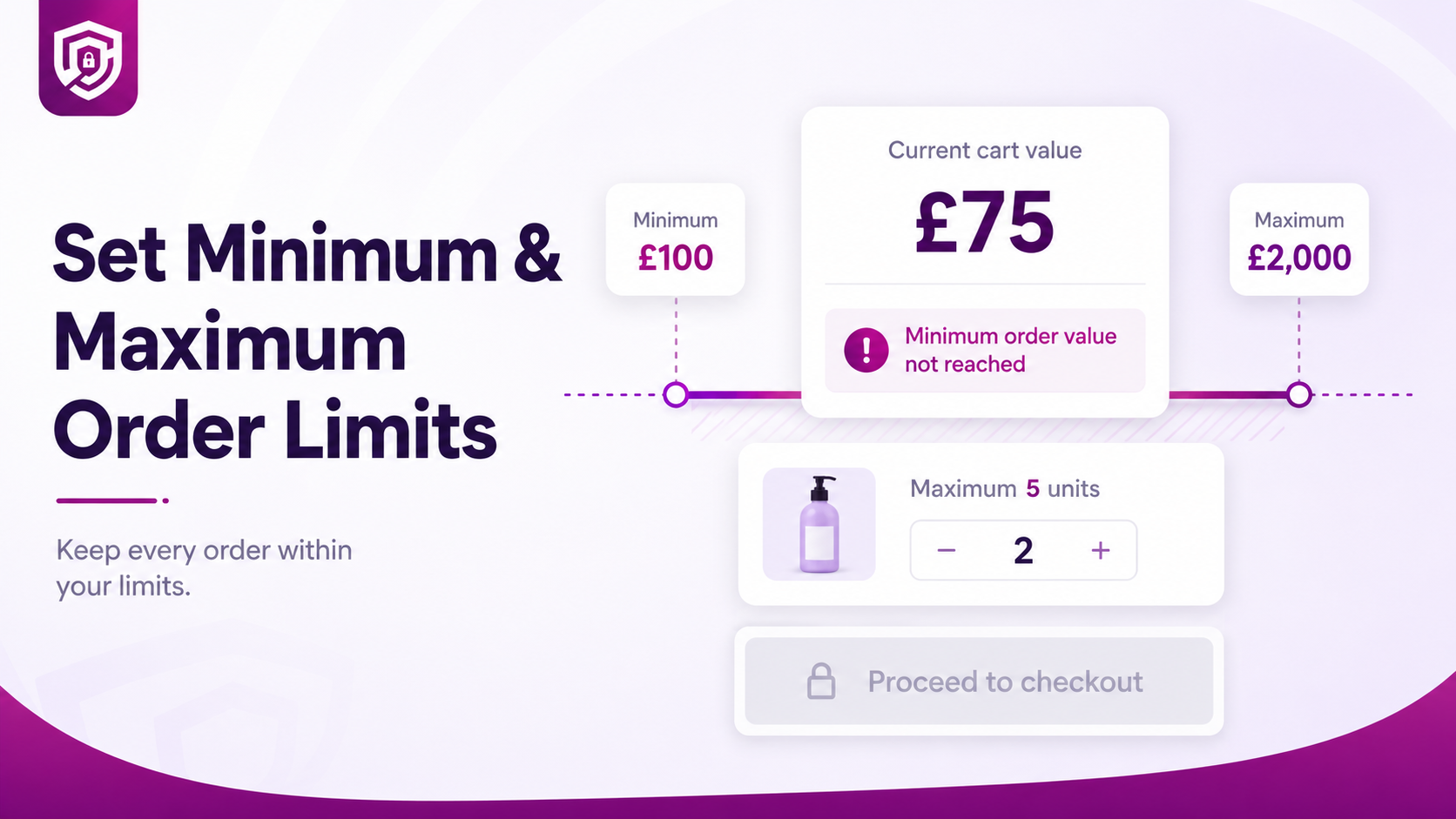
Not every order is economical or operationally practical to fulfil.
A wholesale store may require a minimum order value to cover picking and packing costs. A limited-release store may need to restrict quantities so that products do not sell out to a single buyer. A merchant may also want to flag unusually large orders that require manual approval before fulfilment begins.
Shopify does not natively enforce these limits at checkout. Setting them up requires a checkout validation app or custom development.
Why Shopify Merchants Need Order Limits
Order limits serve different purposes depending on the type of store:
- Minimum order value for wholesale customers — ensures each order covers the cost of processing and fulfilment
- Maximum cart value for fraud prevention or manual review — flags purchases that fall outside normal order patterns
- Maximum total units per order — prevents bulk-buying that depletes stock intended for multiple customers
- Minimum total product quantity — useful for stores with minimum supply commitments
- Product-specific purchase restrictions — limits how many units of a single item a buyer can purchase
- Limited drops and high-demand launches — protects fair access during new product releases
Each of these is a specific configuration. Getting the rule wrong — or not having one at all — creates operational problems that surface only after the order is placed.
Order-Value Limits versus Quantity Limits
These two categories of rules address different problems.
Minimum Order Value
A minimum order value prevents buyers from checking out when their cart falls below a defined threshold.
Example: Checkout requires a cart value of at least £75.
This is common in wholesale, where the cost of processing a small order outweighs the margin on the sale.
Maximum Order Value
A maximum order value stops orders above a defined amount. Rather than blocking the buyer entirely, the rejection message typically directs them to contact the merchant for larger purchases.
Example: Online orders are limited to £2,000. Please contact us for larger purchases.
Cart Quantity Limit
A cart quantity limit caps the total number of units a buyer can purchase in a single order, regardless of which products are in the cart.
Example: A customer may purchase no more than 20 total units per order.
Product-Level Limit
A product-level limit applies to a specific product rather than the cart as a whole. This is particularly useful for high-demand or limited items.
Example: A customer may purchase no more than two units of this product per order.
How to Communicate Order Limits Clearly
A useful rejection message tells the buyer exactly what the rule is and what they need to do. Vague messages create confusion and increase support enquiries.
Suggested rejection messages:
A minimum order value of £75 is required to complete checkout. Please add more items to continue.
Online orders are limited to £2,000. Please contact our team for larger purchases.
A maximum of two units of this product can be purchased per order. Please reduce the quantity to continue.
Keep messages specific. State the threshold, and tell the buyer how to resolve it.
How to Set Order Limits Using OrderGate
OrderGate supports minimum and maximum rules at both the cart level and the product level.
- Choose the order-value or quantity rule — select whether you want to limit by cart value or by units
- Select minimum or maximum — define whether the rule is a floor or a ceiling
- Enter the threshold — the exact value or quantity that triggers the rule
- Apply the rule to the cart or a selected product — cart-level rules apply to the whole order; product-level rules target a specific item
- Add the buyer-facing rejection message — write a clear explanation that tells the buyer what the limit is and how to resolve it
- Test a checkout above and below the limit — verify that the rule blocks at the right point and that valid checkouts proceed
Related Articles
- How to Block Risky Shopify Checkouts Before Payment
- How to Create B2B-Only Checkout Rules Using Shopify Customer Tags
- How to Block PO Box and Unsupported Addresses in Shopify Checkout