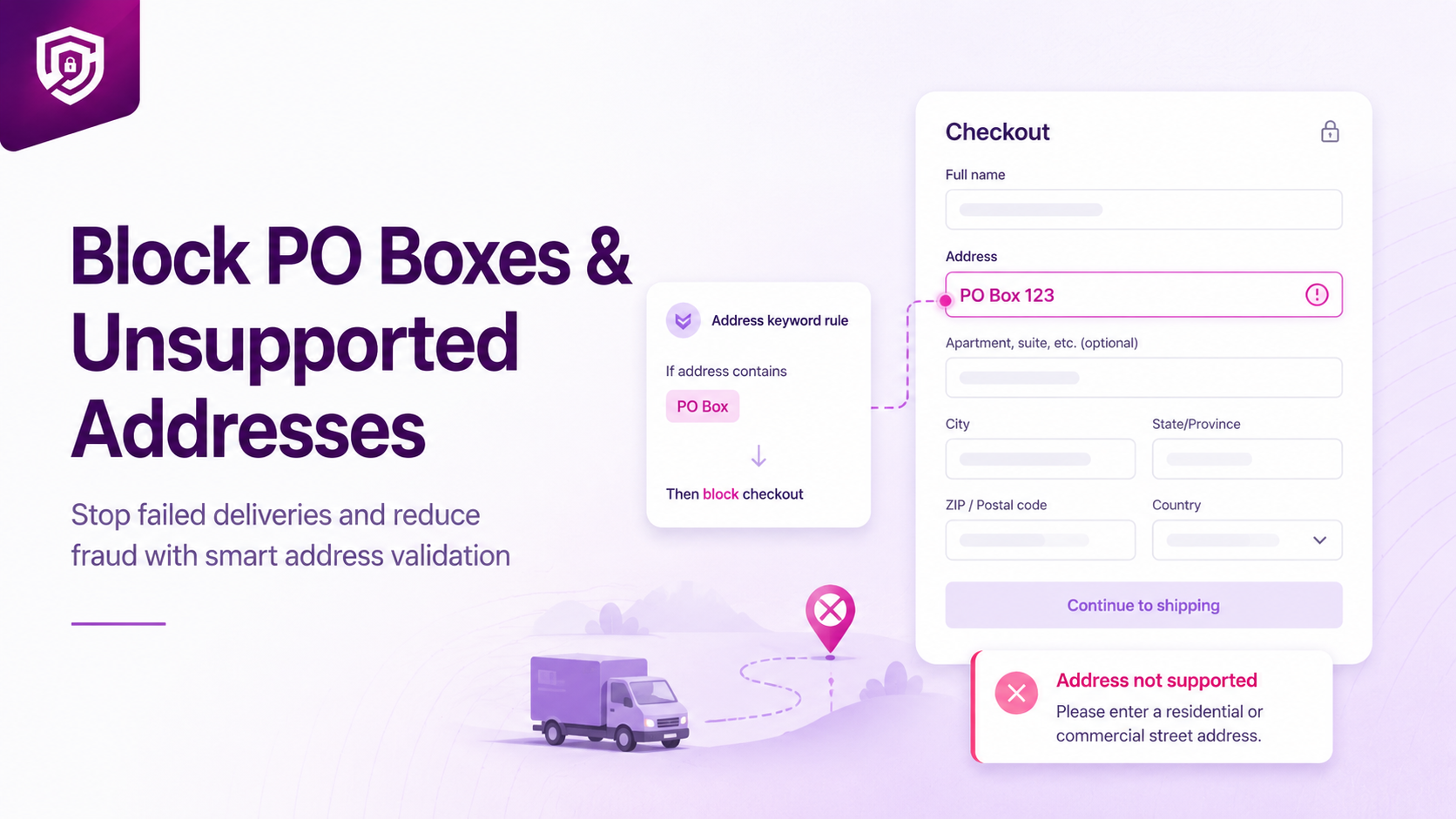
Some couriers cannot deliver to PO Boxes, military addresses, parcel lockers or specific address types.
When these orders are accepted, the merchant usually discovers the problem only during fulfilment — after the payment has cleared, the order has entered the dispatch queue and the customer is expecting delivery.
Why Unsupported Addresses Create Fulfilment Problems
An address that looks valid at checkout may be undeliverable by the time it reaches the warehouse. The consequences typically unfold in a predictable sequence:
- Courier rejection — the carrier refuses the parcel because the address format is not supported
- Dispatch delays — the order sits unshipped while the issue is investigated
- Manual customer contact — the merchant must reach the buyer to request an alternative address
- Address correction requests — if the buyer cannot be reached, the parcel may need to be held or returned
- Order cancellation — if no resolution is found, the order must be cancelled
- Refund and support work — the merchant processes the refund and handles any resulting complaints
Each of these steps takes time and costs money. Blocking the address at checkout eliminates all of them.
Common Address Formats Merchants May Need to Detect
Address keywords vary by country and postal system. The following are examples of terms that merchants commonly configure:
- PO Box
- P.O. Box
- Post Office Box
- Parcel Locker
- Packstation
- APO (Army Post Office)
- FPO (Fleet Post Office)
Merchants should configure only the terms relevant to their fulfilment network. A merchant whose courier cannot deliver to parcel lockers should add that keyword. A merchant whose carrier handles APO addresses normally would not need to block those terms.
Blocking Checkout versus Hiding a Shipping Method
These are two different tools for two different situations. Choosing the right one depends on whether the address can be served by any available method.
Use ShipSort when:
A particular shipping method cannot serve the address, but another method can.
Example: A buyer enters a PO Box address. Express courier delivery is not possible, but standard postal delivery is. ShipSort can hide the Express option while keeping Standard Postal Delivery visible. The buyer can still complete the order using an available method.
Use OrderGate when:
The store cannot fulfil the address through any available method.
Example: A buyer enters a parcel locker address. The merchant's fulfilment network has no carrier that can deliver to parcel lockers. Checkout should be blocked entirely, and the buyer should be asked to provide a residential or commercial street address.
If you are unsure which tool applies to your situation, consider whether any shipping method in your store can serve the address in question.
How to Write a Useful Rejection Message
The rejection message is the only information the buyer receives when checkout is blocked. A poor message creates confusion and leads to abandoned carts or support contacts.
Avoid this:
Invalid address.
This tells the buyer nothing. They do not know what is wrong or what to change.
Use this instead:
We cannot deliver to PO Box addresses. Please enter a residential or commercial street address to continue.
A useful message:
- States exactly what type of address is not accepted
- Tells the buyer what they should enter instead
- Uses plain, non-technical language
How to Block Address Keywords with OrderGate
- Open address rules in OrderGate
- Add relevant keywords — enter each term on a new line (for example: PO Box, P.O. Box, Parcel Locker)
- Choose whether the rule applies permanently or on a schedule — some supported rules can run during configured date ranges if needed
- Write the rejection message — tell the buyer what address types are not accepted and what to enter instead
- Save the rule
- Test common spelling variations — verify that PO Box, P.O. Box and Post Office Box are all caught by the rule
It is also worth reviewing recent fulfilment failures and support tickets. Recurring address terms that have caused problems in the past are strong candidates for blocking. Merchants who have processed returns or cancellations due to undeliverable addresses often find patterns that point to specific terms to add.
Related Articles
- How to Block Risky Shopify Checkouts Before Payment
- How to Set Minimum and Maximum Order Limits in Shopify
- How to Hide Shipping Methods by Address or Cart Conditions