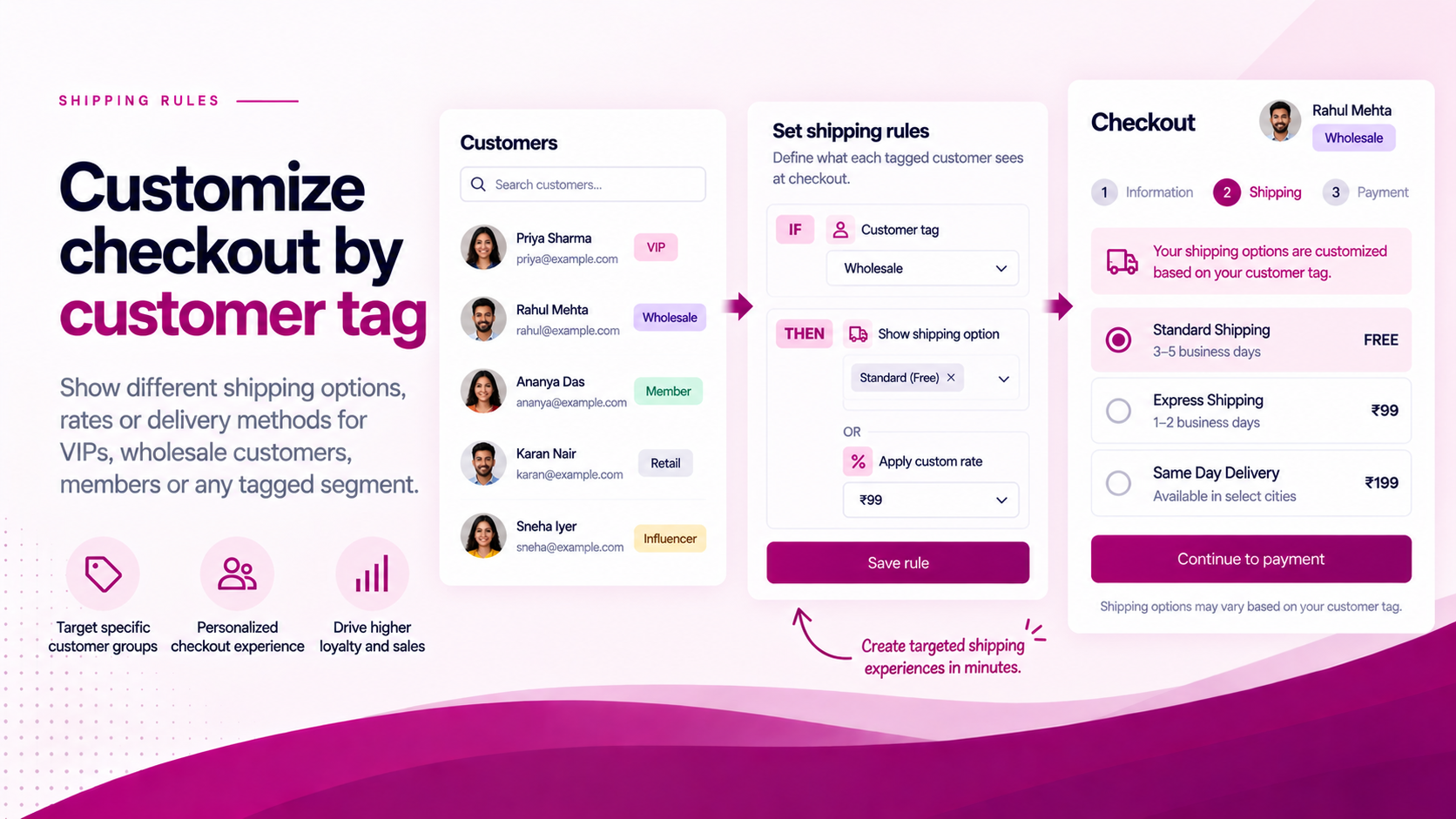
Shopify customer tags can represent a business status.
Tags like approved-wholesale, trade-account, employee, verified-buyer or vip are already used by many merchants to segment their customer base. The tag itself does not block or allow checkout — but it becomes a useful eligibility signal when checkout validation uses it as a condition.
The Basic Workflow
The flow from customer status to checkout enforcement looks like this:
- Customer is assigned a status in your business (approved, employee, trade account, etc.)
- Merchant adds the relevant tag to the customer's Shopify account
- Customer proceeds to checkout
- Checkout Guard evaluates whether the logged-in customer carries the required tag
- If the tag is present → checkout continues
- If the tag is missing → checkout is blocked and the customer sees the configured message
The validation runs at the point of purchase, not on the product page or cart.
Why Validate at Checkout?
Storefront restrictions can be bypassed. A direct URL can reach any product page. A discount code can be shared outside the intended audience. A trade collection can be accessed by someone who discovers the URL.
Checkout validation creates an enforcement point that runs before the order completes — regardless of how the customer reached the cart.
A product page restriction reduces exposure. A checkout rule prevents the purchase.
Where This Is Useful
Customer-tag checkout rules are applicable for:
| Use case | Example tag |
|---|---|
| Wholesale ordering | approved-wholesale |
| Trade account access | trade-account |
| Employee-only offers | employee |
| Restricted product groups | verified-buyer |
| Membership-based purchasing | member-2026 |
| Verified business customers | b2b-verified |
The exact use case and tag name depend on your workflow. Consistency matters — use one tag name for each purpose.
Guests Are a Limitation
A guest does not have a customer tag to evaluate.
If checkout eligibility depends on a tag, the merchant must decide how to handle guests. Common approaches:
- Require login — the checkout cannot proceed as a guest; the buyer must log in first
- Use a different validation signal — a discount code, password or other mechanism for guest scenarios
- Allow guests but restrict via other conditions — if the restricted product or collection is not publicly accessible, guests may not reach it
This should be part of the design before the rule is configured — not discovered after launch when a guest completes an order they should not have.
Test with Two Accounts
Before activating the rule, test the checkout with a minimum of two accounts:
| Account type | Expected result |
|---|---|
| Customer with required tag | Checkout completes normally |
| Customer without tag | Checkout blocked, message shown |
| Guest | Confirm behaviour based on your design |
Run the same cart through both. The result should be predictable and consistent.
Write a Useful Rejection Message
The message a blocked customer sees should tell them what to do next.
Avoid:
Access denied.
Use instead:
This checkout is available only to approved trade account holders. If you have an account, please log in. To apply for a trade account, please contact our team.
The buyer should not need to contact support to understand why they were blocked or what to do next.
Keep the Tag Process Controlled
A checkout rule is only as reliable as the customer-tag process behind it. Define and document:
- Who can add the tag? — restrict this to specific admin roles
- Who can remove it? — define the process for revoking access
- What happens when approval expires? — is there an expiry mechanism, or is the tag permanent?
- What is the customer-facing rejection message? — agree on this before launch
Checkout Guard is designed to make this type of merchant-defined validation easier to configure without custom development.
Related Articles
- How to Create B2B-Only Checkout Rules Using Shopify Customer Tags
- How to Hide Shipping Methods for Wholesale Customers in Shopify
- How to Block Risky Shopify Checkouts Before Payment
Learn more about CheckoutGuard | Install CheckoutGuard on Shopify