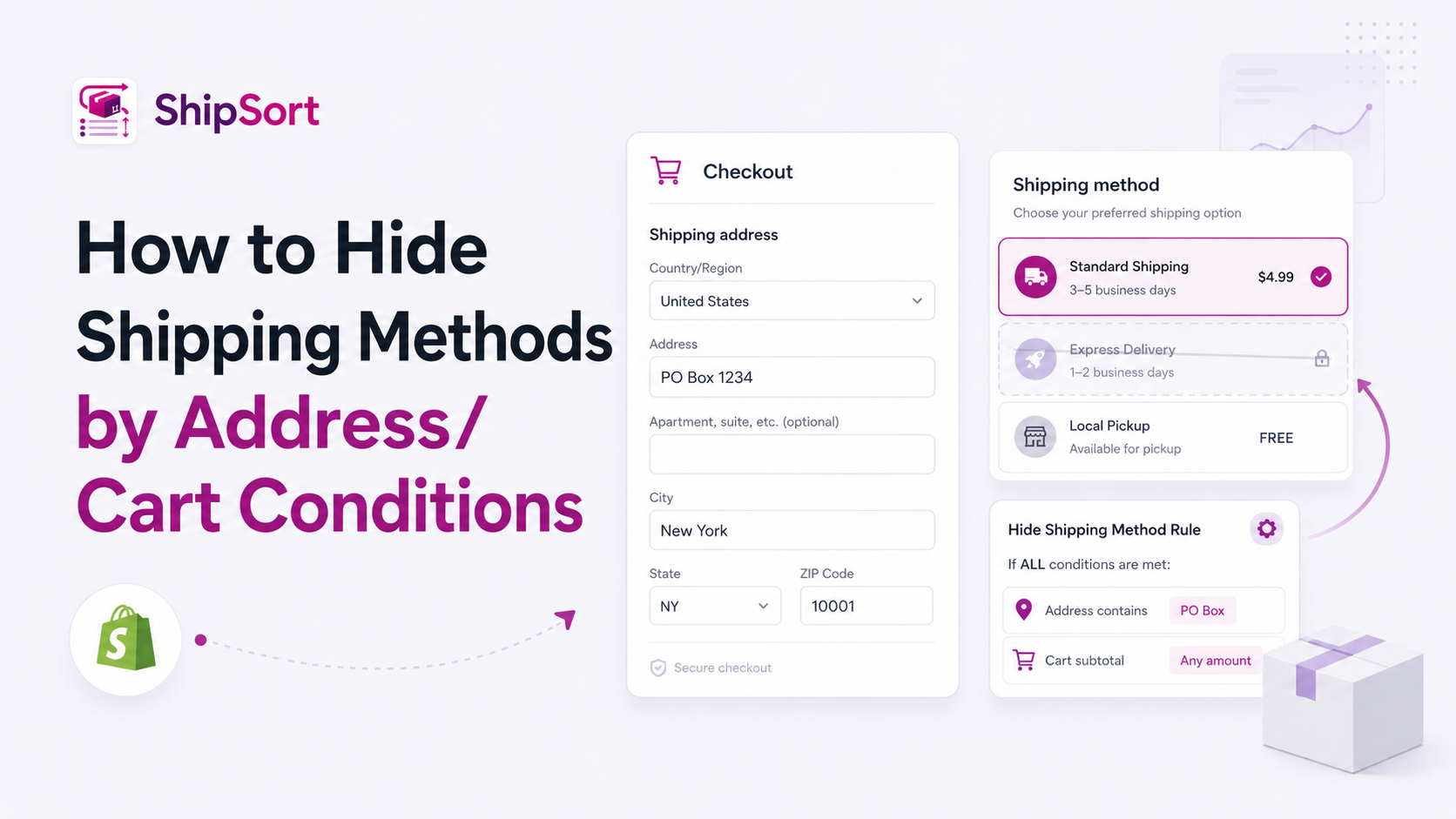
A common challenge for e-commerce brands is presenting delivery options that carriers cannot fulfill under certain conditions. For example, trying to send courier packages to PO Boxes, offering heavy freight items for standard air shipping, or providing Cash on Delivery (COD) to unserviceable zip codes.
Dynamically hiding shipping methods based on the buyer's address or cart conditions prevents checkout errors and logistics issues.
Practical Examples of Conditional Hiding
- PO Box Exclusions: Automatically hide Express or Next-Day shipping options if the address contains "PO Box" or "P.O. Box", as courier carriers do not deliver to boxes.
- Cart Weight Restrictions: Hide light-packet postal rates when the cart contains heavy items exceeding a certain weight threshold.
- Regional Restrictions: Hide localized express courier services for orders outside your local metro area.
How to Set Up Conditional Rules
Using ShipSort, you can create conditions based on cart weight, subtotal, address lines, and more:
- Select Rule Type: Create a new rule in ShipSort and choose "Hide".
- Define Address/Cart Variable:
- For PO Boxes: Select "Address Line contains PO Box".
- For Weight: Select "Cart Total Weight is greater than X".
- Select Shipping Rate: Choose the rate to hide when this condition is met.
- Save and Launch: Click save. The rule is applied natively inside Shopify checkout.
These rules help you avoid shipping bottlenecks and set expectations with customers early in the buying process.