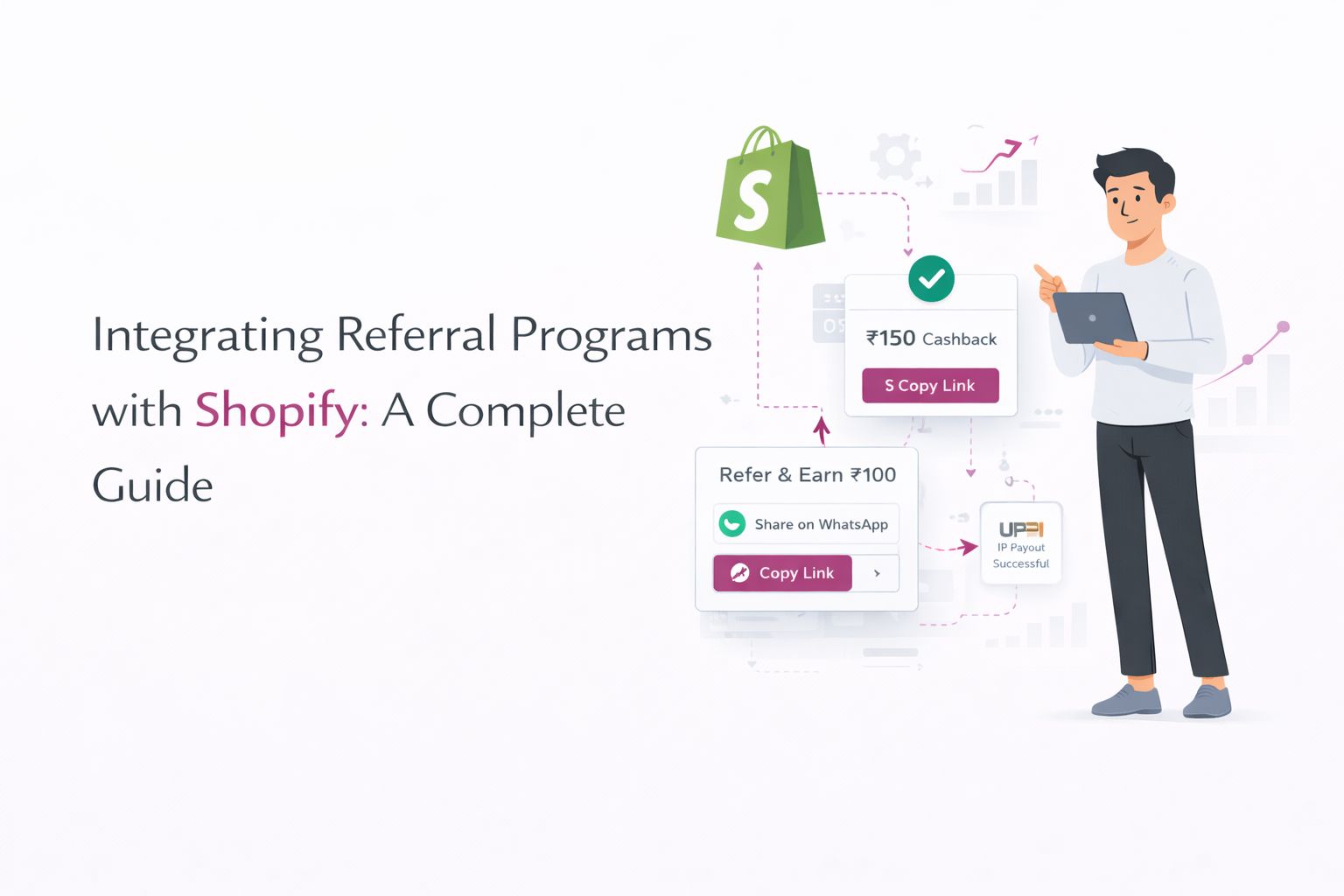
Integrating a referral program directly within Shopify ensures a frictionless experience for both your existing customers and their friends. With the right setup, you’ll drive higher participation, accurate tracking, and fully automated payouts via UPI. This guide covers everything you need to get started.
1. Why integrate your referral program with Shopify?
- Frictionless UX: Embedding widgets on order status and account pages captures customers at peak engagement moments.
- Accurate Attribution: Native integration tracks clicks, shares, and conversions without gaps.
- Automated Payouts: Instant UPI cashback via RazorpayX streamlines reward fulfillment and boosts brand trust.
2. How do you install and set up a Shopify referral app?
A. Choose & Install Your Referral App
- Select from Shopify App Store: Search for a referral app that supports UPI or custom payout integrations.
- Grant Required Permissions: Ensure the app has access to Orders and Customers. Prefer apps built on Shopify’s theme app extensions and checkout extensions rather than script tags.
B. Initial Setup
- API Credentials: Enter your referral platform’s API key and secret in the app’s settings page.
- Brand Customization: Configure brand colors, logo, and default copy for “Refer & Earn” buttons.
3. Where do you add the referral widget?
A. Thank You and Order Status Pages
Shopify no longer runs custom scripts or additional scripts on these pages: they were switched off in August 2025 for Plus stores and in August 2026 for all other stores. Use your referral app’s extension instead:
- Go to Settings › Checkout and click Customize to open the checkout editor.
- Switch to the Thank you page and add your referral app’s block.
- Switch to the Order status page and add the block there too.
- Save and place a test order to confirm the widget appears after purchase.
B. Customer Account Area
- If your store uses the new customer accounts, add the app’s block in the same editor (it covers account pages too).
- Make sure the widget shows the referral link and share buttons (WhatsApp, Email).
C. Storefront Pages
Turn on the referral app’s app embed in Online Store › Themes › Customize › App embeds, or add its app block to the pages where you want a “Refer & Earn” button.
4. Which APIs and webhooks does a referral program use?
A. Theme App Extensions (Not Script Tags)
Older referral apps injected JavaScript into storefront pages with Shopify’s ScriptTag API. Shopify is retiring it: new script tags can’t be created after 1 October 2026, and existing ones stop running on storefronts on 1 March 2027. Modern apps render the widget through theme app extensions (app embeds and app blocks), which you control from the theme editor.
B. Webhook Setup
- In your referral app dashboard, subscribe to
orders/createandorders/fulfilledevents. - Configure the webhook URL to point to your referral platform’s endpoint.
- On
orders/fulfilled, implement logic to verify return-window completion before triggering payout.
5. How do you automate UPI cashback with RazorpayX?
- Connect RazorpayX Account: Enter your RazorpayX API keys in the referral app’s payout settings.
- Payout Trigger: Once the return window closes, the referral platform calls RazorpayX’s payout API to credit the referrer’s UPI address instantly.
- Confirmation: Referrers receive an SMS or WhatsApp notification confirming their cashback has been credited.
6. How do you troubleshoot a Shopify referral integration?
- Test in Staging First: Avoid live-site disruptions by validating widget placement.
- Check for Legacy Script Tags: If your current referral app still relies on script tags, ask the developer when it will move to theme app extensions.
- Monitor Webhook Delivery: Ensure retries for failed webhook calls to avoid missed payouts.
- Regular Audit: Catch discrepancies early and maintain customer trust.
Common Issues & Fixes:
- Widget Not Appearing: Check the app embed is switched on in the theme editor and the app block is added in the checkout editor.
- Missing Webhook Events: Confirm publicly accessible webhook URL returns a 200 OK.
- Failed Payouts: Check RazorpayX API logs for authentication errors or insufficient funds.
Conclusion
A tight integration between Shopify and your referral platform is the cornerstone of a successful, scalable program. By following these steps—installing the app, embedding widgets, configuring webhooks, and automating UPI cashback—you’ll deliver a seamless experience that maximizes participation and drives sustainable growth.