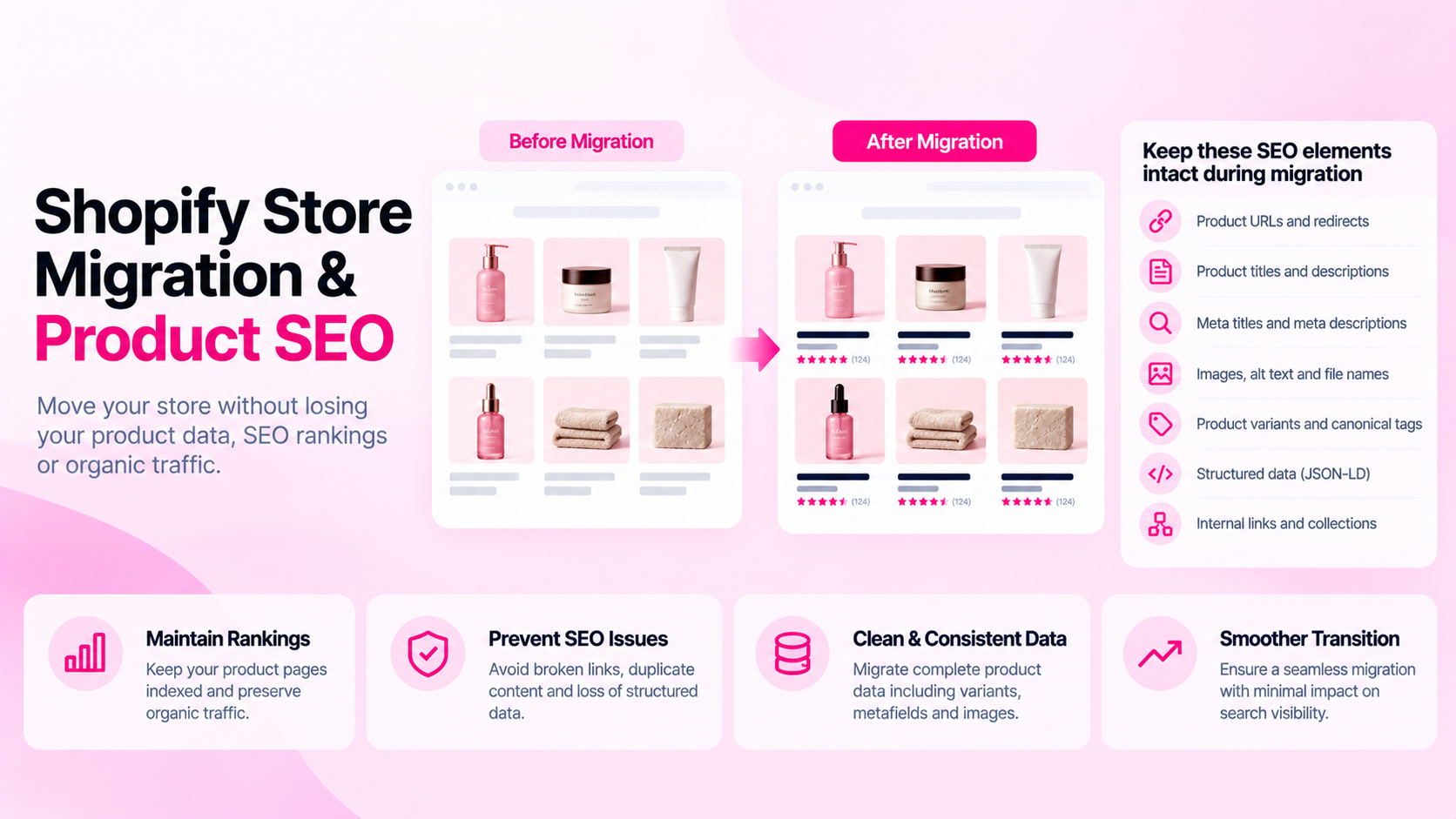
Quick Answer: How Do You Protect Product SEO During a Store Migration?
Inventory existing URLs, map old pages to relevant destinations, implement and test redirects, preserve metadata and product data, validate structured data, update internal links and sitemaps, and monitor key URLs after launch. A migration introduces risk at every step — the goal is to control and verify, not to assume things carried over correctly.
Before Migration: Build the Inventory
Before anything changes, document what you have:
Product URLs:
- Export every product URL currently indexed in Google Search Console
- Note products with significant organic traffic or business importance using your analytics data
- Record current HTTP status for each URL (200, redirect, etc.)
Product data:
- Export current product titles, meta titles, meta descriptions, and canonical URLs
- Document category attributes, variants, and metafield structure
- Note which fields exist on the old platform but may not have a direct equivalent on Shopify
Search Console data:
- Record which URLs are indexed
- Note which URLs have significant impressions or clicks in the past 90 days — these are the highest-risk pages for a migration
Use actual data, not assumptions. A URL that looks unimportant may be a significant organic entry point.
Map Old URLs to Relevant New URLs
Create a mapping document that connects every old URL to its destination on the new store. The principles:
- Direct product continuity: An existing product that's carried over should redirect to its new URL on Shopify
- Relevant alternatives for removed products: If a product is discontinued, redirect to the closest relevant category or product — not the homepage
- Collection mappings: Old category pages should redirect to the closest equivalent collection in Shopify
- Avoid homepage dumping: Redirecting all removed product URLs to the homepage wastes redirect equity and frustrates users arriving from old bookmarks or external links
| Old URL type | Redirect strategy |
|---|---|
| Product carried over | → New Shopify product URL |
| Product discontinued, similar exists | → Closest matching product |
| Product discontinued, no match | → Most relevant collection |
| Category/collection carried over | → New Shopify collection |
| Blog post carried over | → New URL with same or equivalent slug |
Preserve Product Data
A platform migration is not just a URL migration — it's also a data migration. Verify:
- Titles and descriptions: Do they transfer with full formatting, or does the export/import truncate or strip HTML?
- Images: Are all images transferred and accessible at the new store, or does the Shopify CDN URL change?
- Variants: Do all variant options, prices, and inventory levels carry over correctly?
- Metafields: Does the old platform have custom fields that don't map automatically to Shopify? Plan for manual population of these.
- Meta titles and meta descriptions: These often don't export cleanly from non-Shopify platforms. Audit after import.
For each field, verify a sample of 20–30 products manually after the migration, not just the import report.
Validate Technical Signals
After deploying the new store, validate the technical layer before announcing or deindexing the old site:
Redirects:
- Test representative old URLs — do they redirect to the correct destination?
- Check for redirect chains (old URL → intermediate URL → final URL) which can be simplified
- Verify no redirect loops exist
Canonical tags:
- Confirm canonical tags on new product pages point to the correct Shopify URLs (not to the old domain)
Robots and indexing:
- Ensure the Shopify store is not in password-protected or staging mode when you want Google to crawl
- Check
robots.txtfor any broad disallow rules that might block product URLs
Structured data:
- Validate Product JSON-LD on representative pages using Google's Rich Results Test
- Confirm that structured data is rendering on the live store, not just in the Shopify Admin preview
Sitemap:
- Submit the new Shopify sitemap (
yourstore.com/sitemap.xml) in Search Console - Verify the sitemap includes your key product and collection URLs
Launch-Day QA Checklist
Before switching traffic to the new store:
- Sample of high-priority product URLs: correct content, correct canonical, correct status
- Representative old URLs: redirecting correctly to new destinations
- Homepage and navigation: correct links, no broken paths
- Purchase flow: checkout functional end-to-end
- Mobile experience: pages render correctly on mobile
- Structured data: at least 5 product pages validated
- Search Console: new property set up, sitemap submitted
After Launch: Monitor and Correct
Migration effects in search are not always immediate. Monitor for 4–8 weeks:
- Search Console Coverage report: Watch for increases in 404s, redirect errors, or "crawled but not indexed" pages
- Search Console Performance: Monitor impressions and clicks on your key product pages weekly
- Analytics: Check organic traffic to product pages against pre-migration baseline
- Crawl errors: Re-crawl the new store to catch any technical regressions introduced after launch
Investigate unexpected changes before assuming they're caused by the migration — algorithm updates, seasonality, and competitor changes can produce similar patterns.
Frequently Asked Questions
Will a migration automatically preserve rankings? No. A well-executed migration with correct redirects and preserved metadata minimizes disruption, but some temporary ranking variation is common. The goal is to reduce and contain that disruption, not eliminate all risk.
Should every old URL redirect to something? Map URLs according to relevance and user need. A URL that was never indexed and has no traffic can be left to return 404 naturally. A URL with significant traffic or backlinks should redirect to the most relevant destination.
How long should redirects remain in place? Industry guidance suggests at least 12 months. For high-traffic or high-authority URLs, maintain redirects indefinitely — the cost of keeping them is negligible compared to the risk of breaking incoming links.
Related Articles
- How to Audit 1,000 Shopify Product Pages Without Checking Them Manually
- Why Shopify Product Pages Aren't Getting Indexed: A Troubleshooting Guide
- Shopify Product Data Quality: 12 Errors That Accumulate as Your Catalog Grows
Use CatalogAI to review Shopify catalog data after migration