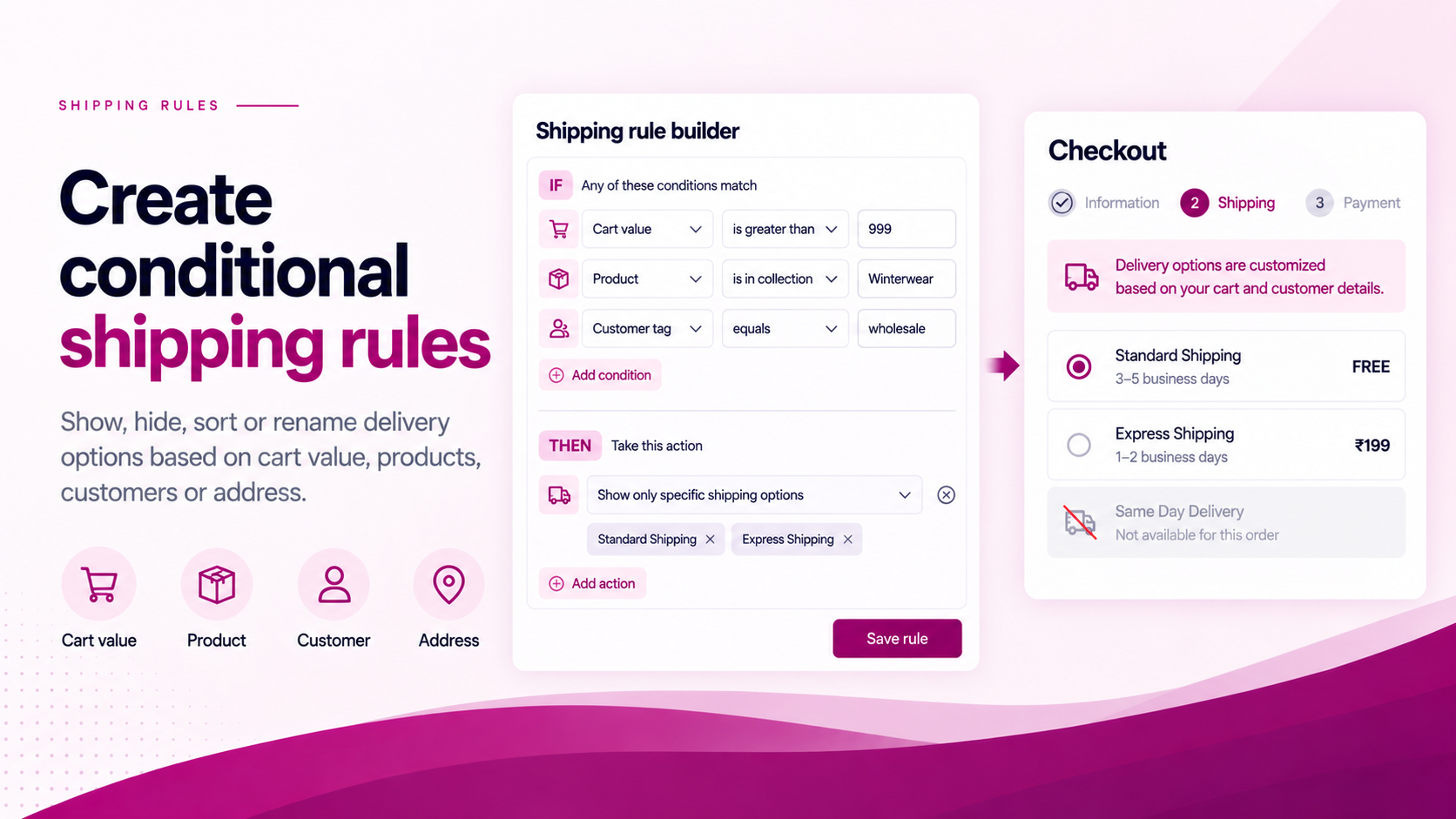
Shopify's shipping configuration answers an important question: "What delivery rates are available?"
But merchants often have a second question: "When should each option be shown?"
That is the problem conditional shipping rules solve. The rate configuration determines what exists. The conditional rule determines what the customer sees — and when.
Common Conditions
Depending on your setup, useful conditions can include:
| Condition type | Example |
|---|---|
| Address | Hide Express for PO Box addresses |
| Product / cart contents | Hide standard delivery for perishable items |
| Cart value | Show Free Shipping above ₹999 |
| Customer status | Hide retail express for wholesale accounts |
| Delivery option properties | Rename a delivery option for clarity |
These can be combined, but it is usually better to start with one condition at a time.
The Shopify Layer
Shopify's Delivery Customization Function API supports three core operations on delivery options at checkout:
- Hide — remove an option from the customer's view
- Sort — change the position of options in the list
- Rename — change the customer-facing label
The Function can receive data such as cart contents, customer identity and delivery address, depending on the inputs requested. This means the rule runs at checkout level — not in the storefront theme.
Start with the Business Rule
Write the rule in plain English before touching any configuration.
"If the cart contains a perishable product, hide Express delivery."
Then identify the variables:
- Condition (X): cart contains a product tagged
perishable - Action (Y): hide the delivery option named "Express"
This structure makes implementation and testing significantly more straightforward than configuring rules directly in the interface without a written specification.
Don't Combine Too Many Rules at First
Start with one rule. Test it. Then add the next.
If you create ten conditions simultaneously and one of them causes unexpected behaviour, debugging becomes very difficult. Build incrementally.
Test Edge Cases
Every conditional rule should be tested with a minimum set of scenarios:
| Scenario | Purpose |
|---|---|
| Condition true | Confirms the rule fires correctly |
| Condition false | Confirms the rule does not fire when it should not |
| Boundary value | Confirms the threshold behaves as defined |
| Mixed cart | Confirms behaviour when both restricted and unrestricted items are present |
| Different customer | Confirms customer-specific rules apply correctly |
| Different address | Confirms address-based rules apply correctly |
If multiple delivery groups can occur in your setup, test those too.
Think About Rule Conflicts
When multiple rules are active, consider what happens when they interact.
Example conflict:
- Rule A: "Move Free Shipping to the top."
- Rule B: "Hide Free Shipping for product X."
If a cart contains product X, both rules apply. The final result needs to be predictable. Document rule priority and expected behaviour before activating combinations.
Use ShipSort as the Configuration Layer
ShipSort is built around Shopify's native delivery customization capability and provides a merchant-facing interface for ordering, hiding and renaming shipping options without custom development.
The best shipping rule is not the most complicated one. It is the smallest rule that reliably enforces the business requirement.
Related Articles
- How to Hide Shipping Methods by Address or Cart Conditions
- How to Hide Shipping Rates by Customer Tag
- How to Reorder Shipping Methods in Shopify
- How to Rename Shopify Shipping Methods