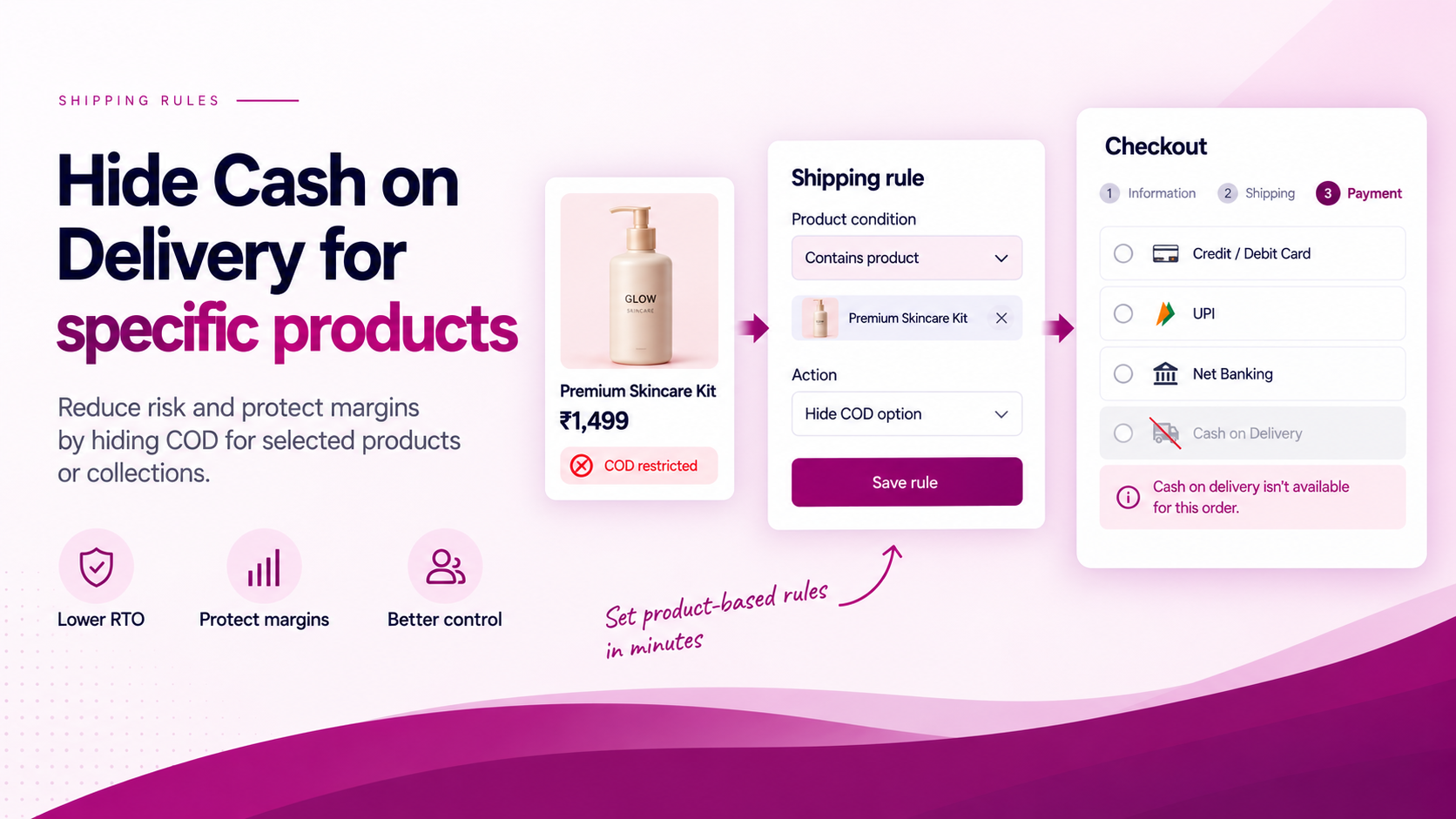
Cash on delivery can be important for conversion. It can also create a different risk profile for specific products.
A product may carry higher return-to-origin rates, lower margin, significant shipping cost, customisation, perishability or operational restrictions. In those cases, a merchant may want COD unavailable for specific purchase scenarios — not for every order, but for the ones where the economics do not support it.
Start with the Business Rule
Do not begin by choosing an app. Begin by writing the rule in plain terms:
"If the cart contains Product X, the COD-related delivery option should not be presented."
Or:
"If the cart contains products from Collection Y, only prepaid delivery options should remain."
Then define what should happen for mixed carts — orders that contain both restricted and unrestricted products. That is the difficult design decision, and it must be made before any technical configuration begins.
Be Precise About the Shopify Layer
Shipping and payment are not the same thing in Shopify's architecture.
Shopify provides separate extensibility for delivery options and checkout validation. ShipSort is built around Shopify's Delivery Customization Function API, which supports hiding, sorting and renaming delivery options at checkout.
If a merchant's COD implementation appears as a delivery option at checkout, a delivery customization rule may be relevant. ShipSort can evaluate the cart contents and hide the matching delivery option when the condition is true.
If the requirement is to remove a payment method itself — not a delivery option — that is a different Shopify extensibility layer. Verify the exact merchant setup before promising a solution.
Tip: Ask the merchant how COD appears at checkout — as a shipping rate, a payment option, or both. That answer determines which tool applies.
Conditions That Can Trigger the Rule
Depending on your ShipSort configuration, conditions can include:
- Product tag — e.g.
no-cod,prepaid-only,fragile - Product ID or SKU — for specific items
- Collection membership — for a curated group of products
- Cart weight or value — if high-value orders carry different risk
The most maintainable approach is usually a product tag. Adding a tag to new restricted products is simpler than updating a rule with individual product IDs.
Test Mixed Carts
Every COD rule should be tested for all relevant cart combinations:
| Cart contents | Expected result |
|---|---|
| Restricted product only | COD hidden |
| Normal product only | COD visible |
| Restricted + normal product | Depends on the business rule |
| Multiple restricted products | COD hidden |
| Discounted restricted product | COD hidden |
| Guest checkout | Confirm behaviour |
| Logged-in checkout | Confirm behaviour |
Test each scenario before activating the rule in production.
Keep the Message Clear
If a delivery option disappears, customers should not think checkout is broken. Where appropriate, consider whether the checkout can communicate the available alternatives. A blocked option with no explanation creates unnecessary friction.
Measure the Trade-Off
Hiding COD is not automatically a positive outcome. Before activating a rule, establish what you expect to change and how you will measure it:
- COD share — what proportion of orders currently use COD?
- Conversion rate — does hiding COD affect overall checkout completion?
- RTO rate — does COD removal reduce returns-to-origin for restricted products?
- Refunds and support contacts — does the change reduce or shift post-purchase issues?
- Contribution margin — does the change improve or reduce profitability per order?
The objective is not to remove COD everywhere. It is to make the delivery experience match the economics and operational reality of each product.
Related Articles
- How to Hide Shipping Methods by Address or Cart Conditions
- How to Hide Shipping Rates by Customer Tag
- How to Show Different Shipping Options by Product in Shopify