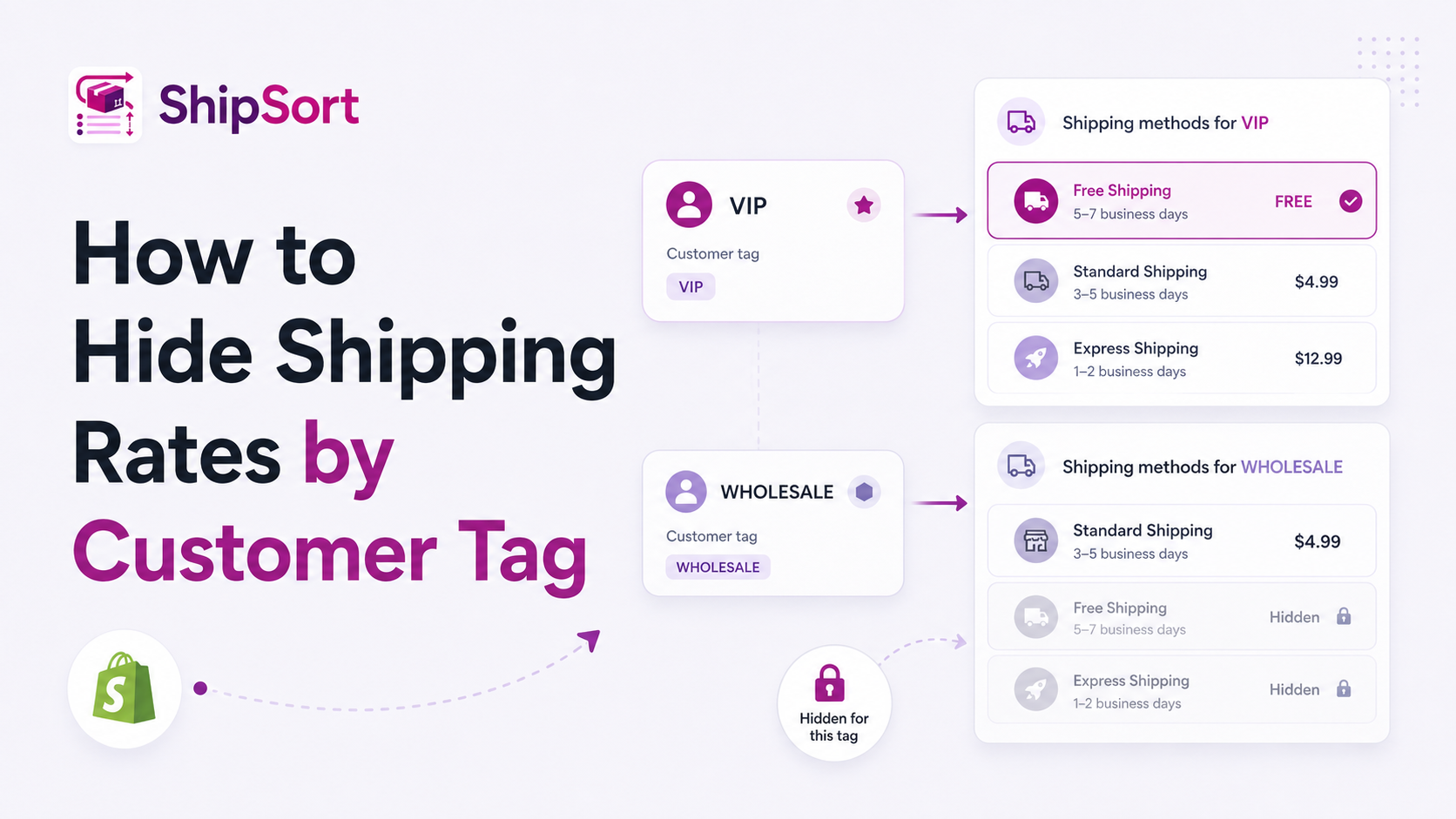
Not all customers should see the same shipping rates. For example, you might want to show exclusive rates to VIP loyalty members, hide standard public shipping rates for wholesale buyers, or limit premium options to subscription customers.
By targeting checkout options using customer tags, you can create a tailored experience.
Use Cases for Tag-Based Shipping Rules
- Wholesale Accounts: Hide public retail shipping rates for accounts tagged with
Wholesaleand display bulk freight options instead. - VIP Members: Hide paid shipping rates for buyers tagged with
VIPorLoyaltyTier1so they only see free expedited options. - Internal Testing: Show test shipping methods only to team members tagged with
Staff.
How to Configure Customer Tag Filters
Using ShipSort, setting up tag-based conditions is simple:
- Identify the Customer Tag: Determine the tag you want to filter (e.g.,
VIP). - Create a Hide Rule: Navigate to ShipSort's Rule Builder and select "Hide Method".
- Define Target Rate: Choose the rate you want to restrict (e.g. Standard Paid Shipping).
- Add Tag Condition: Select Customer Tag as the variable, and set it to hide the method if the tag matches your criteria.
- Save changes: The app will execute this check securely at checkout.
This capability keeps your checkout clean and ensures relevant rates are shown to the right buyers.