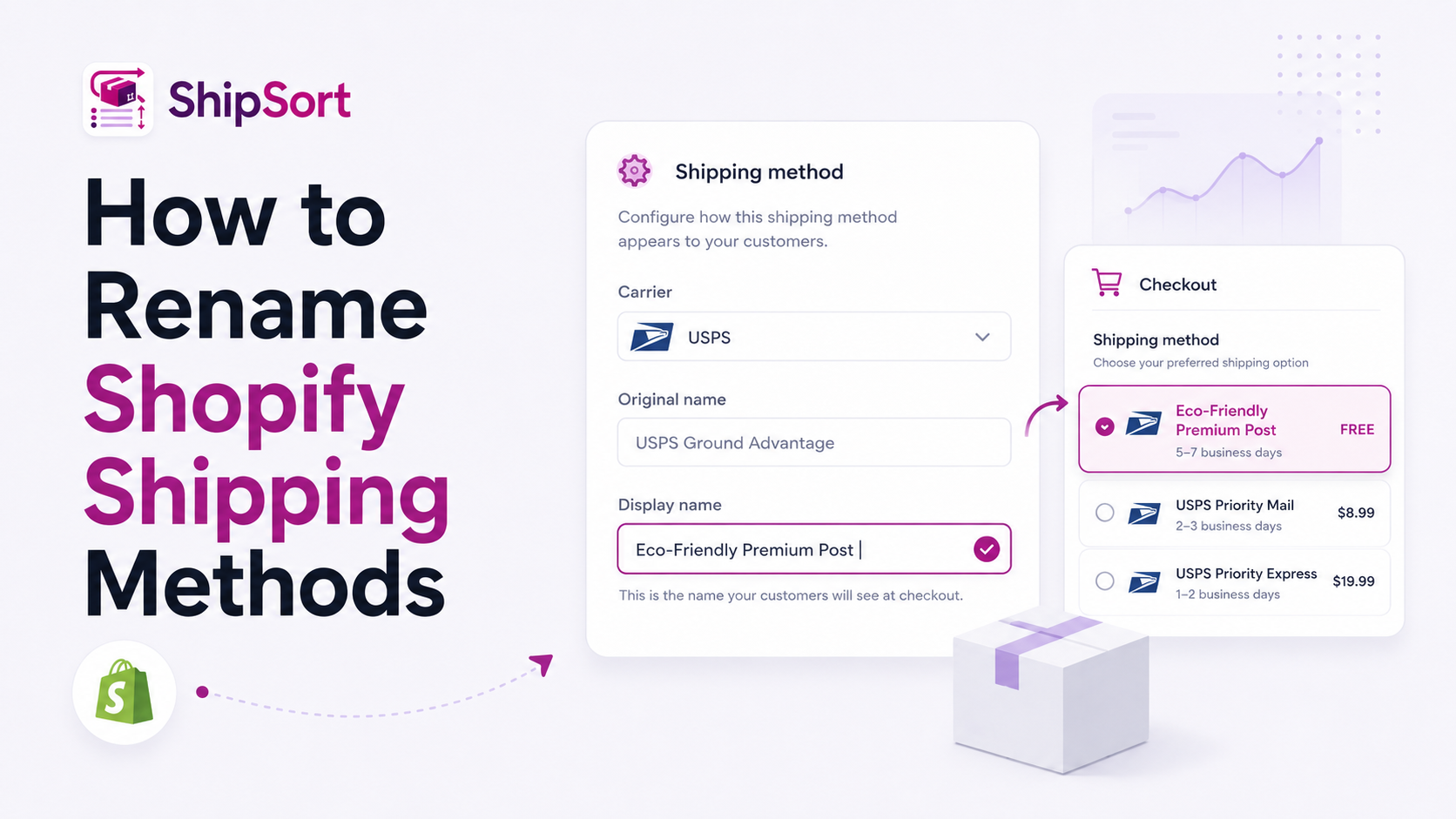
Default shipping carriers like USPS, UPS, or FedEx often present generic, technical names during checkout (such as "USPS Ground Advantage" or "UPS Next Day Air Saver"). While these represent the carrier, they don't align with a premium e-commerce brand experience.
By renaming shipping methods dynamically, you can present friendly, trustworthy alternatives to your customers.
The Value of Branded Shipping Options
- Increases Professionalism: Options like "Eco-Friendly Ground Delivery" or "Priority VIP Shipping" look and feel more premium than generic carrier acronyms.
- Reduces Confusion: Simplify terminology. Instead of "FedEx Standard Overnight", you can show "Guaranteed Next-Day Delivery".
- Encourages Upgrade Options: Branding your fastest method as "Priority Express Rush" makes it more appealing to customers needing fast delivery.
How to Set Up Renaming Rules
Using ShipSort, you can write dynamic rename rules that change names automatically:
- Create a Rename Rule: Open ShipSort and select "Branded Rename".
- Select Target Carrier Rate: Choose the specific rate from your carriers.
- Define New Name: Write your new title (e.g., replace "USPS Ground" with "Standard Eco-Post").
- Define Conditions: You can even rename options conditionally based on parameters like cart value or customer status (e.g. labeling a rate as "VIP Premium Delivery" for tagged customers).
Since ShipSort relies on Shopify's native Checkout Functions, the renaming happens in real-time securely inside the checkout flow.