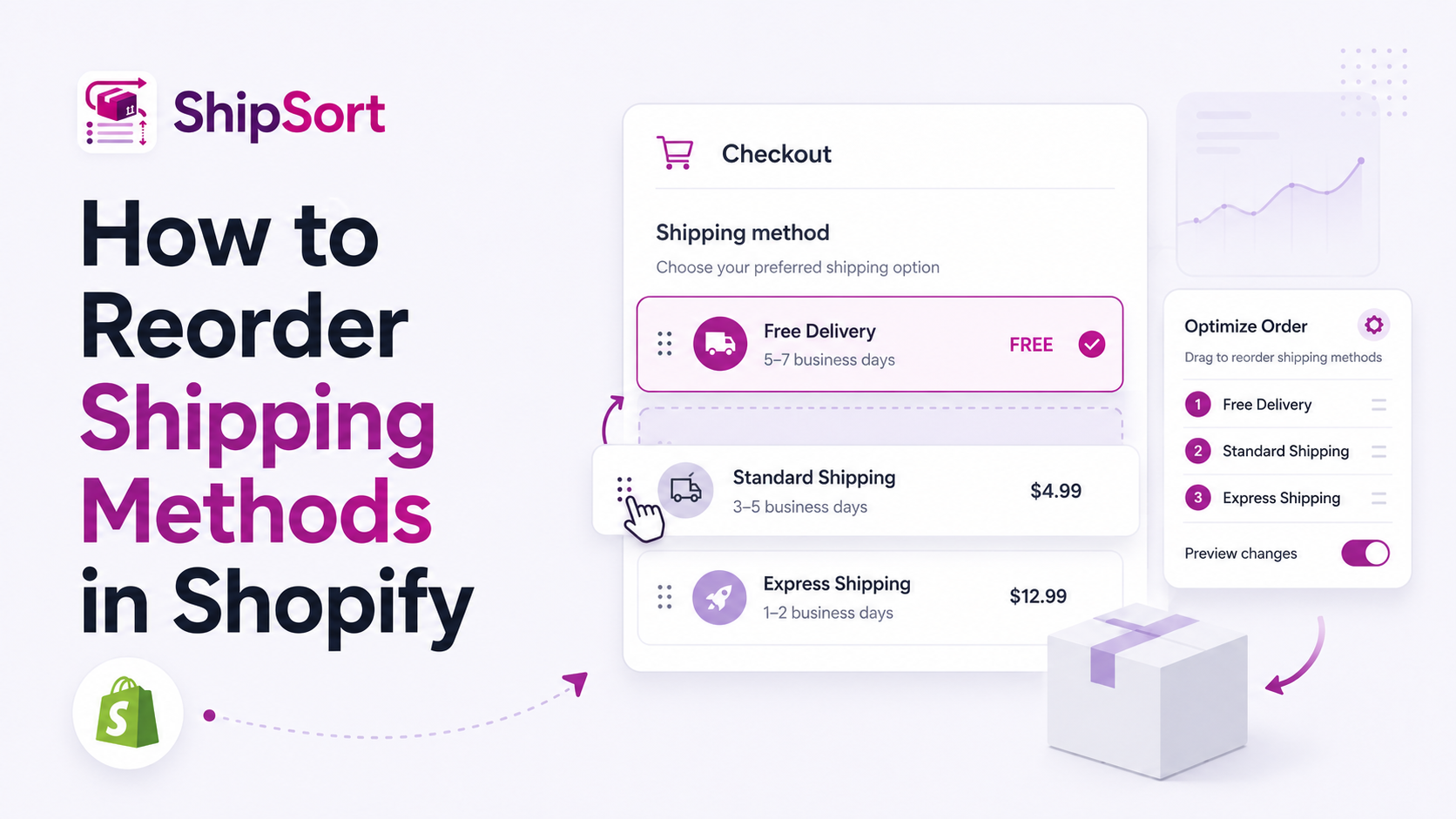
When buyers reach checkout, they expect a clear, intuitive layout of their shipping choices. However, by default, Shopify sorts these methods alphabetically or by price. This lack of control can result in slower shipping methods appearing first, leading to friction.
Fortunately, with Shopify Functions and custom applications like ShipSort, you can easily reorder shipping methods.
Why Reordering Shipping Methods is Critical
- Highlight Free Shipping: If a customer qualifies for a free shipping rate, it should always be positioned at the top of the list to reward the buyer immediately.
- Promote Premium Delivery: If you offer overnight or premium shipping, placing it prominently can encourage conversions from high-intent buyers who need products quickly.
- Establish Logical Flow: Placing "Standard" shipping above "Express" establishes a natural layout that customers expect.
Step-by-Step: How to Reorder Shipping Rates
Step 1: Install a Shopify Functions App
Shopify's native settings do not include drag-and-drop ordering for delivery methods. To customize this sorting without editing code, install a Shopify checkout customizer app such as ShipSort.
Step 2: Access the Reorder Rules
Open the ShipSort dashboard within your Shopify admin. You will see a list of your current shipping rates imported directly from your Shopify shipping profiles.
Step 3: Drag & Drop to Sort
Arrange the methods by simply dragging them into your preferred order:
- Keep the most attractive option (e.g. Free Shipping) at Position 1.
- Place standard options next, followed by express options.
Step 4: Save and Launch
Click Save. The rule runs instantaneously via Shopify's secure backend checkout API, meaning there is zero impact on site performance.