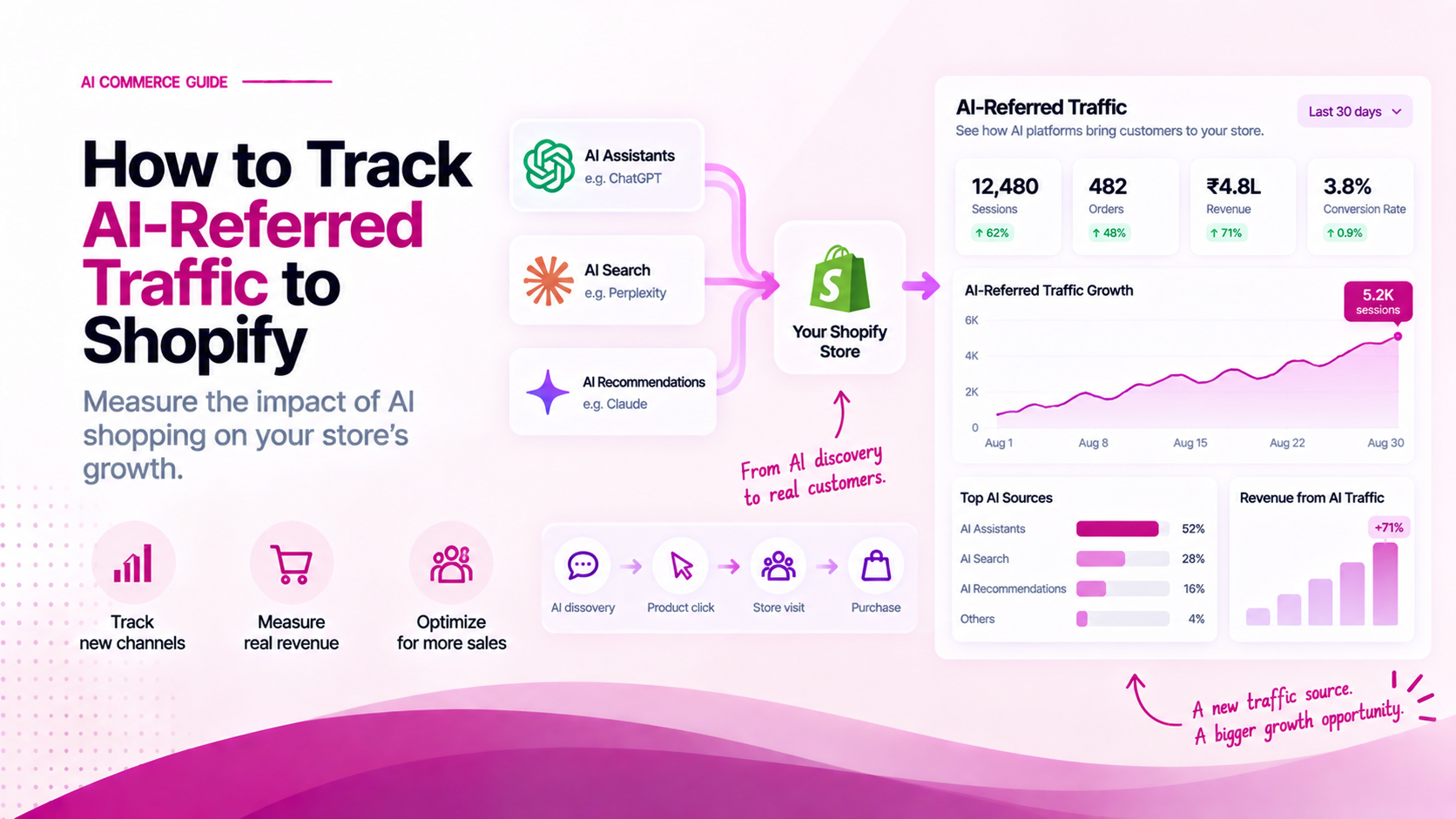
As buyers increasingly use AI assistants like ChatGPT, Perplexity, and Claude for product research, merchants face a critical measurement challenge:
How much traffic and revenue is currently being generated by AI shopping recommendations?
Tracking AI-referred traffic is fundamentally different from tracking paid ads or search traffic. AI platforms handle links differently, often stripping referrer headers or routing users through direct search queries.
Without a multi-tier tracking framework, AI-driven traffic gets misclassified as Direct, Organic Search, or Unattributed traffic in Google Analytics.
The 4-Level AI Attribution Ladder
To measure AI commerce accurately, implement a 4-level attribution ladder that separates direct observable signals from indirect modeled influence:
The AI Attribution Ladder
├── Level 1: Direct Observed Referrals (HTTP Referrer Domain)
├── Level 2: Tagged Campaign & Promo Code Tracking (UTMs / Custom Codes)
├── Level 3: Post-Purchase Self-Reported Attribution (HDYHAU Surveys)
└── Level 4: Regional & Channel Lift Modeling (Top-of-Funnel Correlation)
| Attribution Level | Signal Source | Accuracy | Measurement Method |
|---|---|---|---|
| Level 1 | HTTP Referrer Header | 100% (High Confidence) | GA4 Referral Regex Filter (chatgpt|perplexity|claude) |
| Level 2 | Custom Promo Codes & Links | 100% (High Confidence) | Dedicated Shopify Discount Code / Custom Landing Page |
| Level 3 | Post-Purchase Checkout Survey | 85% (High Intent) | "How did you first hear about us?" Survey at Checkout |
| Level 4 | Statistical Incrementality | 60% (Directional) | Comparing total brand query volume vs baseline |
1. Setting Up Level 1 GA4 Tracking
Google Analytics 4 (GA4) automatically captures HTTP referrer headers when a user clicks a link from a web-based AI assistant.
AI Referrer Regex Pattern:
Add this regular expression to your GA4 custom channel definitions or exploration filters to isolate AI traffic:
.*(chatgpt\.com|openai\.com|perplexity\.ai|claude\.ai|copilot\.microsoft\.com|gemini\.google\.com).*
How to create an AI Referral Exploration Report in GA4:
- Open Google Analytics 4 > Explore > Create Blank Exploration.
- Add Dimensions:
Page referrer,Session source / medium,Landing page + query string. - Add Metrics:
Sessions,Total users,Ecommerce purchases,Purchase revenue,Average order value. - Add Filter:
Page referrermatches regex.*(chatgpt|perplexity|claude|copilot|gemini).*.
2. Setting Up Level 2 Custom Promo Codes & UTMs
When partnering with AI platforms or creating specialized product feeds for AI discovery engines, use explicit UTM parameters and dedicated checkout discount codes.
Recommended UTM Conventions:
Example AI Tracking Link:
https://yourstore.com/products/trail-runner?utm_source=chatgpt&utm_medium=ai_recommendation&utm_campaign=spring_catalog_2026
utm_source: Name of the platform (chatgpt,perplexity,claude).utm_medium: Discovery channel (ai_recommendation,ai_agent,chat_assistant).utm_campaign: Feed or product collection identifier.
3. Setting Up Level 3 Post-Purchase Attribution
Because mobile AI apps often strip HTTP referrers, a significant portion of AI-influenced buyers land on your site via direct entry or branded search.
Capture this hidden traffic using a Post-Purchase Survey on your Shopify Thank You / Order Status page (using apps like Fairing, KnoCommerce, or EnquireLabs).
Recommended Survey Question:
"How did you first discover [Brand Name] today?"
- Recommended by AI Assistant (ChatGPT, Perplexity, Claude, etc.)
- Google Search
- Social Media (Instagram / TikTok)
- Friend or Family Recommendation
4. Cohort Analysis: AI Traffic vs. Traditional Channels
Once Level 1–3 data is collected, build a monthly cohort comparison table in Shopify Analytics or GA4 to evaluate customer quality:
| Acquisition Channel | Sessions | Conversion Rate | Average Order Value (AOV) | 90-Day Repeat Rate |
|---|---|---|---|---|
| Direct AI Referrals | 1,250 | 3.4% | ₹2,450 | 28% |
| Organic Search (Google) | 14,500 | 2.1% | ₹1,850 | 18% |
| Paid Social (Meta) | 22,000 | 1.4% | ₹1,600 | 12% |
Insight: AI-referred visitors often exhibit higher conversion rates and AOVs because they have already completed preliminary comparison filtering inside the AI assistant before visiting your store.
Avoid Measurement Pitfalls
- Do Not Mix Inferred and Observed Revenue: Always report direct HTTP referral revenue separately from modeled or survey-reported revenue in executive dashboards.
- Watch for Last-Click Bias: A buyer may research a product on Perplexity, copy the brand name, search Google 2 hours later, and purchase via Organic Search. Attribution models should account for multi-touch paths.
Related Articles
- AI Commerce vs SEO: How Shopify Product Discovery Is Changing
- How to Measure Your Brand's Visibility in AI Shopping Results
- How to Check Whether AI Can Understand Your Shopify Products