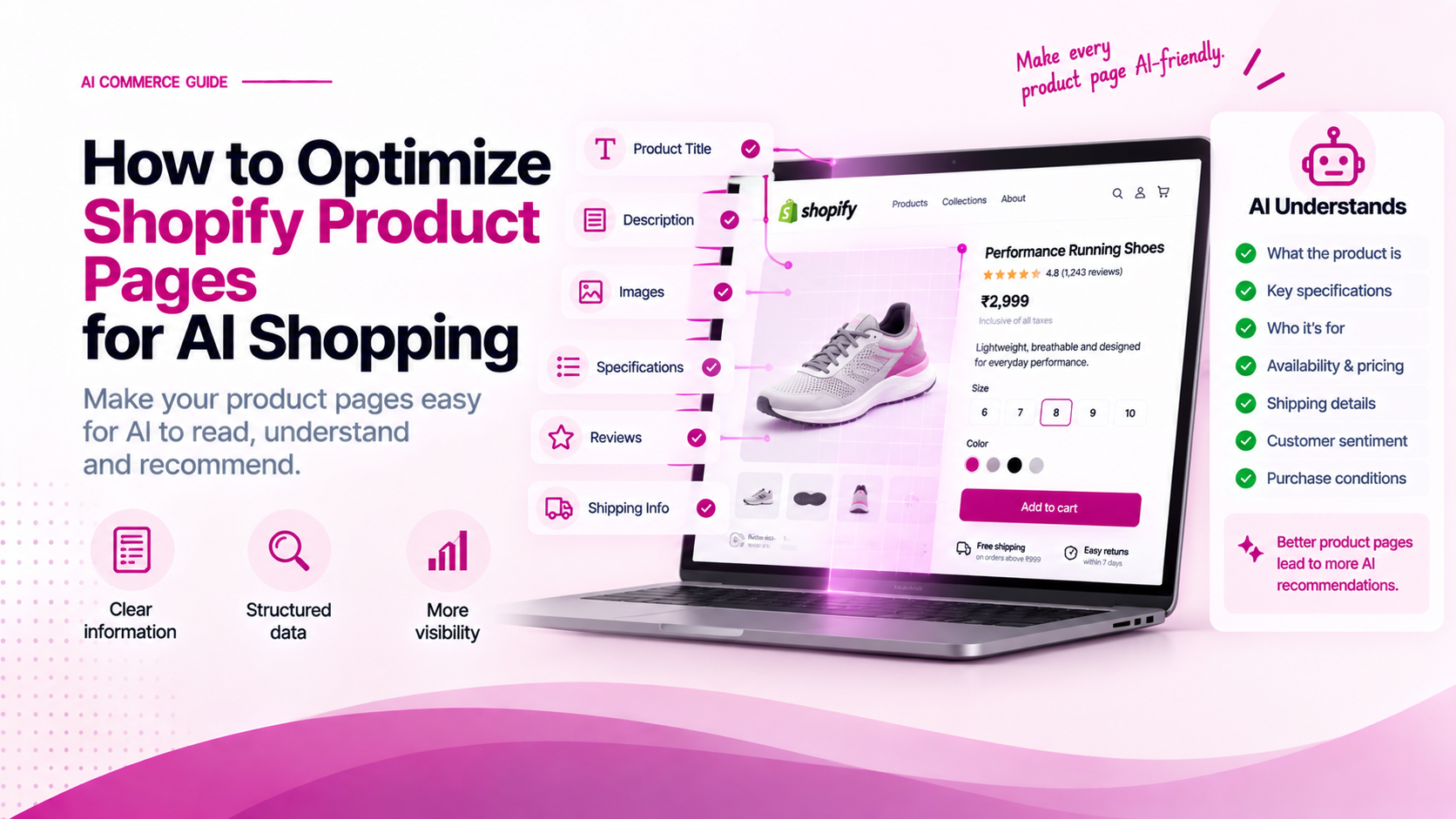
Traditional Product Detail Page (PDP) optimization focuses on conversion rate optimization (CRO)—compelling hero titles, high-resolution lifestyle images, persuasive value props, and prominent Add to Cart buttons.
AI-assisted shopping requires a dual-audience design strategy:
The PDP must deliver an emotional, friction-free experience for human buyers while exposing clean, unambiguous microdata for machine crawlers.
Optimizing for AI does not mean turning your store into a dry spreadsheet. It means structuring information so both humans and machines can scan, compare, and verify facts effortlessly.
The Dual-Audience PDP Layout Architecture
Here is how to structure a Shopify Product Detail Page to serve both human buyers and AI shopping engines:
Shopify PDP Layout Structure
├── Above the Fold (Human CRO + Core AI Identity)
│   ├── Descriptive Product Title (Brand + Core Type + Key Spec)
│   ├── Price, Currency & In-Stock Status
│   ├── Key Attribute Badges (e.g., 100% Organic, Waterproof)
│   └── Clear Variant Selector (Size, Color, Capacity)
├── Mid-Page (Structured Technical Specs)
│   ├── Specifications Table (HTML <table> or Definition List)
│   └── Compatibility & Fit Accordion
├── Lower Page (Trust & Fulfillment Signals)
│   ├── Shipping, Delivery Estimates & Return Policy Tabs
│   └── Verified Customer Reviews with JSON-LD Schema
└── Hidden Metadata Layer (Machine Microdata)
    └── Product JSON-LD Schema Script Tag
1. Product Title Optimization
Your product title is the single highest-weighted text element for both search indexing and AI extraction.
Bad vs. Good Title Formats:
❌ Bad (Vague / Pure Style Name):
"The Aurora"

❌ Bad (Keyword Stuffed):
"Running Shoes Men Women Best Cheap Sneakers Athletic Sports Shoes Black"

✅ Good (Descriptive + Structured):
"Aurora Trail Runner v2 — Waterproof Road & Trail Running Shoe (Men's)"
Formula for AI-Optimized Product Titles:
[Brand / Line Name] + [Core Product Category] + [Key Differentiating Feature / Spec] + [Target Gender / Audience]
2. Replace Paragraphs of Text with HTML Tables
AI crawlers parse structured HTML elements (<table>, <dl>, <ul>) far more reliably than unstructured paragraph text.
Instead of writing a 300-word paragraph describing specifications, present key technical data in a clean HTML table:
<table class="product-specifications-table">
  <tbody>
    <tr>
      <th>Material Composition</th>
      <td>88% Recycled Polyester, 12% Elastane</td>
    </tr>
    <tr>
      <th>Fabric Weight</th>
      <td>240 GSM (Midweight)</td>
    </tr>
    <tr>
      <th>Waterproof Rating</th>
      <td>10,000mm Hydrostatic Head</td>
    </tr>
    <tr>
      <th>Fit Type</th>
      <td>Athletic Fit (True to size)</td>
    </tr>
    <tr>
      <th>Country of Origin</th>
      <td>Made in Vietnam</td>
    </tr>
  </tbody>
</table>
This layout gives human customers an instant scanning matrix while allowing web parsers to extract key-value pairs cleanly.
3. Inject Microdata in Shopify Liquid Templates
To ensure your theme outputs clean microdata automatically for every product, update your Shopify theme's main product template (sections/main-product.liquid or snippets/product-media-gallery.liquid).
Image Alt Text Strategy:
Make your image alt attributes descriptive rather than generic:
{% comment %} Bad Alt Text {% endcomment %}
<img src="{{ image | image_url: width: 800 }}" alt="Product Image 1" />

{% comment %} Good AI-Optimized Alt Text {% endcomment %}
<img
  src="{{ image | image_url: width: 800 }}"
  alt="{{ product.title | escape }} in {{ variant.option1 | escape }} - Front View Showing Waterproof Zippers"
/>
4. Accordion Tabs for Fulfillment & Trust Signals
Use clear collapsible tabs or accordions to organize logistics, returns, and warranty terms. This keeps the visual layout clean while keeping trust data accessible in the DOM.
<details class="pdp-accordion">
  <summary><strong>Shipping & Delivery Expectations</strong></summary>
  <div class="accordion-content">
    <p>Orders dispatched within 24 hours. Estimated delivery: 2–4 business days via Express Courier. Free shipping on orders over ₹1,999.</p>
  </div>
</details>

<details class="pdp-accordion">
  <summary><strong>30-Day Return & Exchange Policy</strong></summary>
  <div class="accordion-content">
    <p>Hassle-free 30-day returns on unworn items in original packaging. Store credit or full refund issued upon warehouse receipt.</p>
  </div>
</details>
Common Pitfalls to Avoid
- Hidden Text via CSS (
display: none): Do not hide text purely for search engines. Modern AI bots penalize hidden or deceptive DOM text. - Generic Variant Labels: Avoid labeling variants as
"Option 1","Option 2". Always use explicit names ("Black / Size M","128GB / Space Gray"). - Inconsistent Currency Markup: Ensure prices in HTML match the structured JSON-LD schema price and currency code exactly.
- Unverified AI Claims: Never generate false claim badges (such as
"100% Eco-Friendly") unless verified by product data.
Related Articles
- How to Make a Shopify Product Catalog AI-Ready
- What Product Data Do AI Shopping Agents Need?
- How to Check Whether AI Can Understand Your Shopify Products